This month we bring you more documents that RapidCheck can take care of, several new mobile app features to use on-the-go, integration updates and bug fixes, and more!
Expanded Rapid Check capabilities
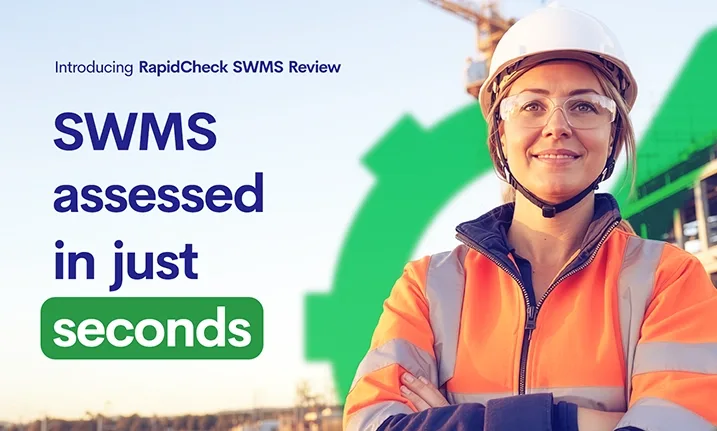
It’s been a year since RapidCheck started diligently verifying PLIs, WCs, PIIs, and PIYIs, and results have been overwhelmingly positive, saving admins countless hours and avoiding costly mistakes.
So today, we’re delighted to announce that we’ve expanded RapidCheck to include five more Company documents:
- Motor Vehicle Insurance
- ACC Levy
- ISO 45001 Certification
- Asbestos Removal License
- Company Electrical License
We’ve also introduced RapidCheck into Rapid Induct to check the following Worker Documents:
- First Aid Certificate
- White Card
- Plumbing Licence
- Forklift Licence
- Electrical License
When enabled, administrators will see a RapidCheck column in the Document List (within Contractor Management or Induct) that shows each document’s status: Pending, Passed Check, or Mistakes Found. From there, admins can click on a document to see more details on the checks (including logs), apply corrections manually, or enable automatic approvals.
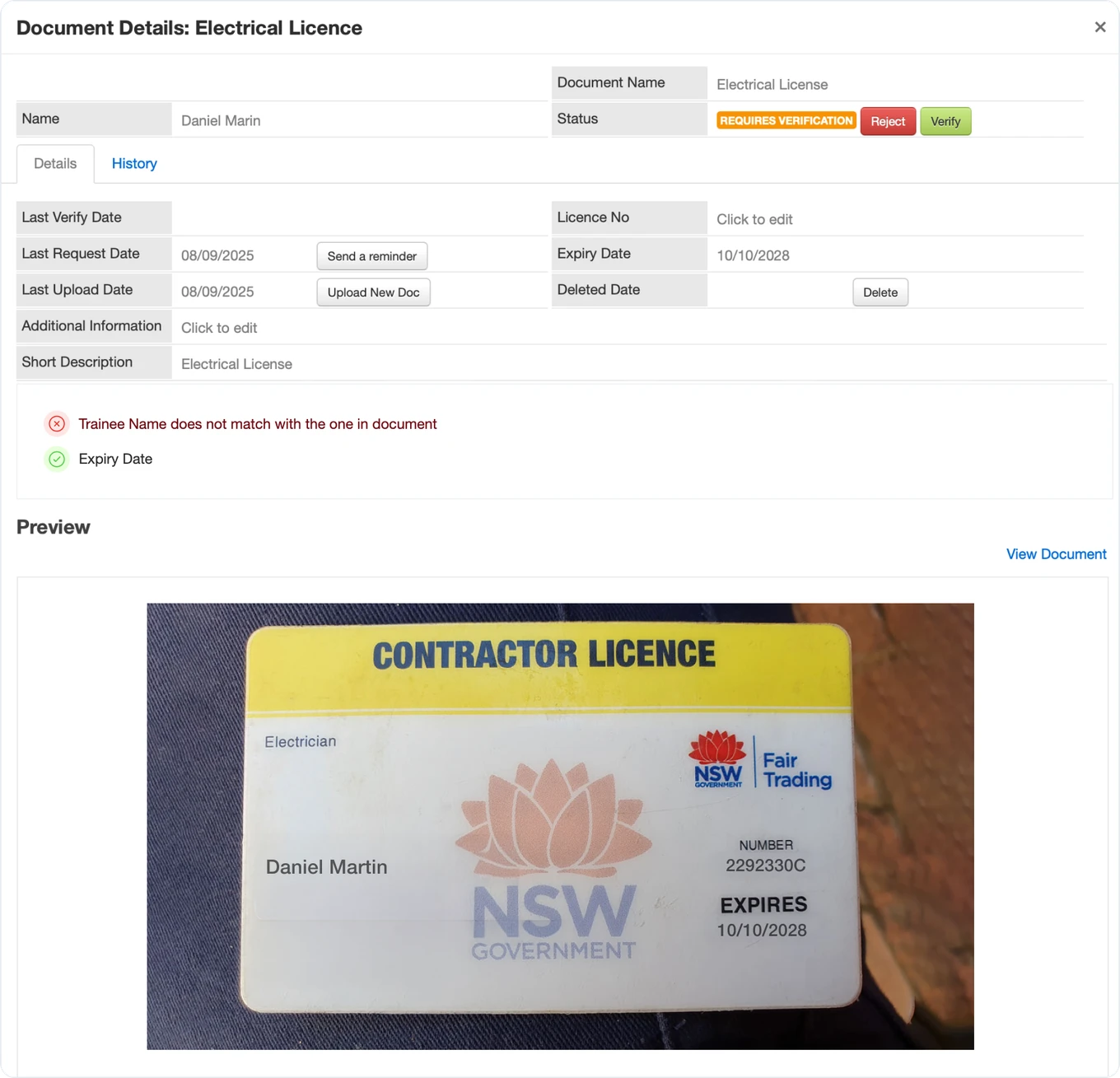
To streamline contractor company approval further, we’ve added one more feature: if RapidCheck is set to automatically approve verified documents, the Company is automatically approved once RapidCheck successfully verifies the final document. That’s right, zero-touch compliance verification is now within reach.
Learn more about Rapid Check.
Torus integration for iPads
Virtually all buildings use master and submaster keys as their ultimate method of access, and for critical safety assets. This creates a security risk that needs to be managed and can lead to inefficiencies and issues.
We’re pleased to announce that key access can now be managed through our iPad kiosks via an integration to Torus, in addition to existing Windows kiosks and QR codes.
Before accessing any keys, individuals must complete a check-in process that automatically verifies their individual compliance status and, for contractors, their company’s compliance. This can be integrated with BAC (Blood Alcohol Content) health screening for more stringent checks.
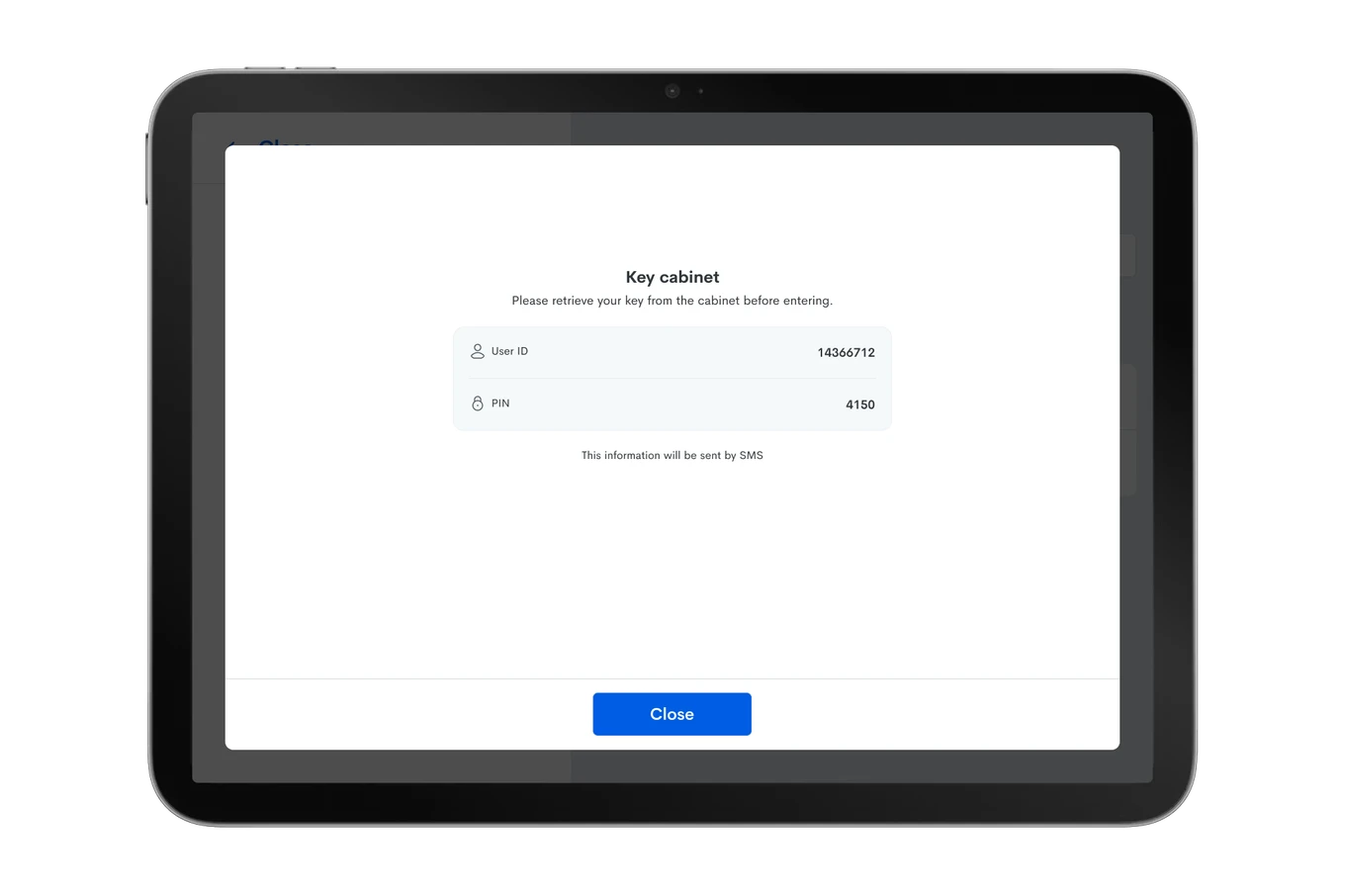
The system maintains a complete audit trail of all access attempts and authorisations, effectively automating key control without requiring human supervision. This comprehensive solution ensures that access to keys remains strictly controlled while streamlining the entire process.
Learn more about Rapid Access and check all the Integrations that can help boost your entry process.
Mobile Applications updates
With most employees now relying on their phones for work, delivering a seamless mobile experience is one of our top priorities. That’s why our suite of four mobile apps—Rapid Admin and Rapid Aware (for administrators), and Rapid Induct and Rapid Access (for employees and contractors)—is designed to keep every user connected and empowered on the go.
Fewer taps, smart shortcuts, and intuitive navigation directly impact your team’s productivity and happiness – this period, we tackled some of these.
- Mobile notifications from Rapid Admin now feature deep linking, taking users directly to the relevant screen in the app after tapping, saving time and reducing friction.
- Maintenance Work Order notifications (Hot Works, WO Requires Approval, WO Approved and Auto Approved, WO Entry Updated) bring the user directly to the specific WO Detail Screen, instead of the main menu.
- Rapid Access Evacuation notifications bring the user directly to the Rapid Access dashboard.
This is the first release of many more to come on this topic.
Responding to user feedback about the frustrations of tracking and uploading multiple files one by one, Rapid Induct, Access and Admin apps now support bulk file and image uploads for Audits, eliminating the tedious process of selecting and uploading files one at a time. On a similar note, Rapid Admin users can email completed PDF Audits from within the app, so reports can be distributed sooner, and easier.
We have some game-changing mobile features planned for the months ahead, so watch this space!
New Auditor email templates
As you know, we’re on a modernisation journey, with Induct and Incident completed and Contractor Management and Auditor in the works.
In the interim, though, we took the opportunity to refresh Auditor email templates, providing clearer communication that helps maintain audit momentum and hopefully improve timely completion rates.
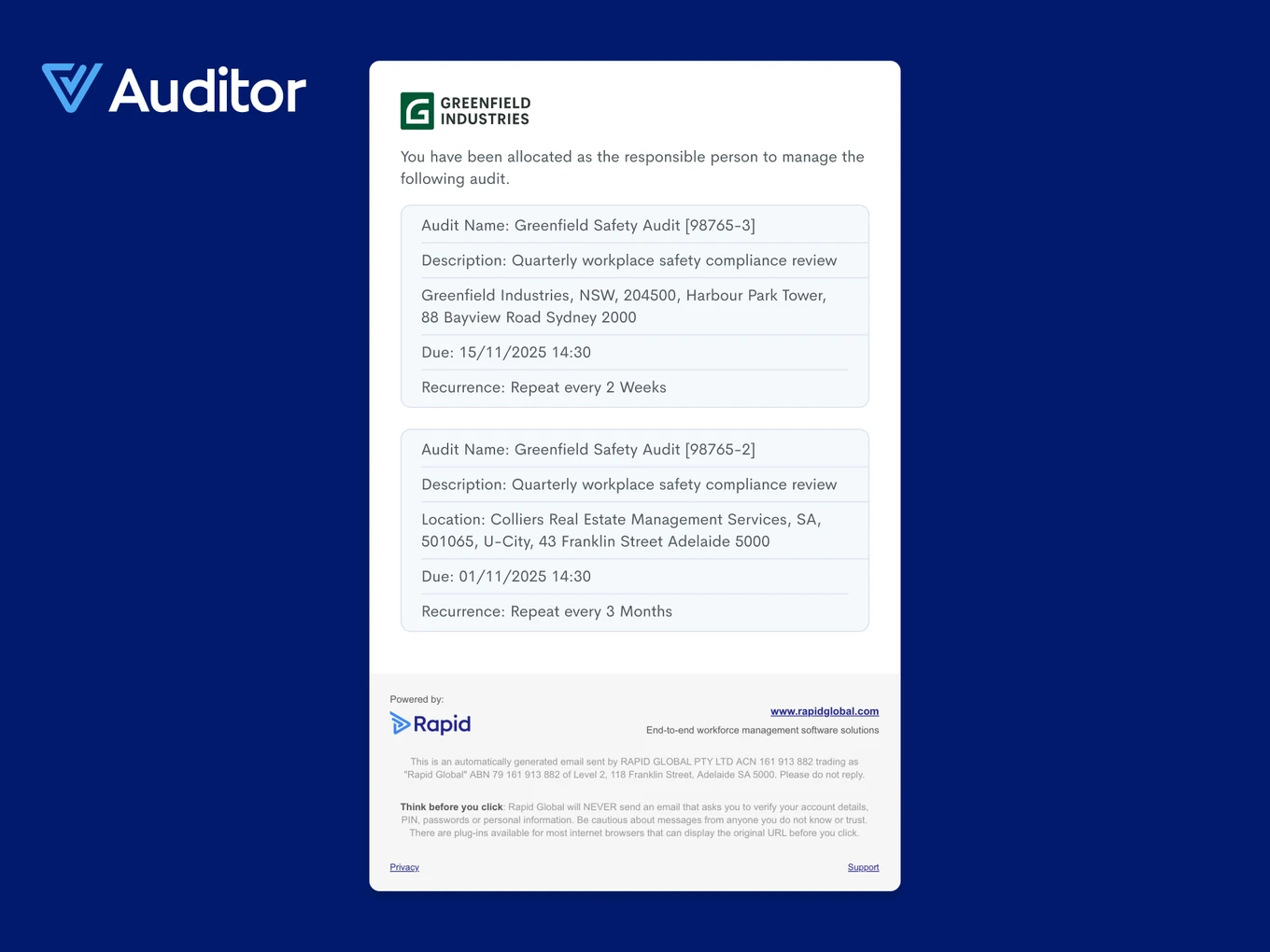
You’ll find a fresh look across:
- Corrective Actions: Reported, Assigned to You, Overdue and Comment Added.
- Tasks: Responsible Assigned, Approved and Closed, Rejected, Deleted, Scheduled Task Completed and Cancelled.
- Audits and Reports.
Incident V2 updates
Thank you very much to the hundreds of customers who have embraced the new look of Incident Reporting and have taken the time to share feedback and bring issues to light.
As promised, we’re hard at work.
- Reports are still under construction. We’re slowly adding Detail views to Charts – Incident Count and Age of Open Incidents so far- and soon you’ll also find your trusted Report selector. We’ve also fixed UI issues such as squashed text and missing filters.
- UI improvements. We added a mobile view of Incidents, fixed the Product Switcher and location display issues and re-added Worker & Admin user tags.
- Incident Report improvements. We fixed submission issues on web and mobile, including auto-populating reporter’s data, duplicate entries and investigation permissions.
- We also fixed issues with distribution lists, QR codes and mobile app submissions.
Bug fixes and performance improvements
While working on RapidCheck, we took the time to improve document handling in Contractor Management. Safety Documents can have a predetermined expiry period set by Administrators, like Trainee documents do. We’ve also improved how we handle deleting Safety Documents in bulk, including a specific option for “Expired” documents, and a few scenarios with notes missing after deleting documents.
We’re big fans of **integrations **that help you automate your workflows. That’s why we continue to expand our offering, across both native and third-party solutions, and enhance our APIs, making it easier than ever to connect your favourite applications. This period, we improved our Gallagher integration by syncing Trainee profile images to Cardholders. In addition, we fixed issues, such as KeyMaas webhooks not being triggered after automatic sign outs via Rapid Access and errors when updating requirement mapping in Integriti.
Subscribe to the monthly newsletter to receive the latest work health and safety information straight to your inbox.